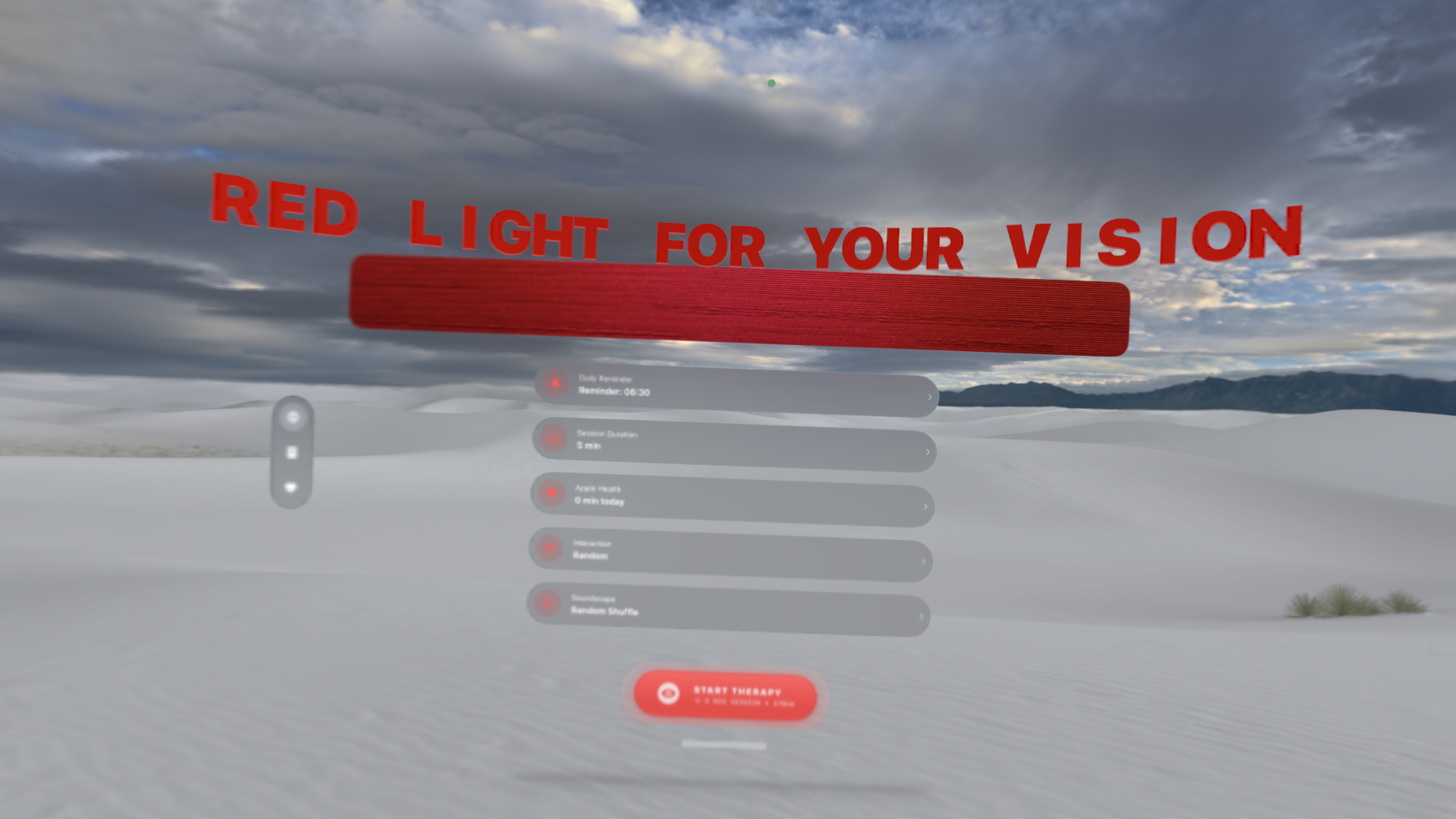
Combat age-related vision decline with deep red light. Boost mitochondrial function and sharpen color contrast in just 3 minutes a day.
Mitochondrial decline in aging robs cells of ATP (energy). However, studies show that long wavelength exposure (650β900 nm) helps restore ATP and improve function.
Research published in Nature Scientific Reports by Shinhmar et al. showed that a single 3-minute exposure to 670nm deep red light can significantly improve color contrast sensitivity by up to 17% for a week in aging populations (37β70 years).
Read Full Article on Nature.comThe study indicates that light needs to be delivered at specific times. Morning exposure (8-9 AM) was found to be key for effectiveness.
To get close to producing 670nm red light with an iPhone OLED screen, follow these steps to adjust your display settings.
Go to "Display & Brightness" and set brightness to 100%.
Adjust the "Color Temperature" slider towards the warmest side.
Settings > Accessibility > Display & Text Size > Color Filters. Enable "Color Tint", slide Hue to Red and Intensity to Max.
Always remember to revert settings after use to avoid tinting your UI. The app manages screen brightness automatically during sessions.
"I was reading about the positive effect of red light for the eyes... Itβs free and easy to use, so what more do I want? Perfect app for anyone interested in the benefits."
"This is just perfect. It really helps with anxiety. Thank you very much to the creators!"
"I give it 5 Stars for its total setup and itβs free. Thanks."
Smartphone OLED screens emit a broader spectrum peaking around 620-640 nm. While not the monochromatic 670nm LED used in clinical labs, setting the display to maximum red intensity approximates the wavelength for biohacking purposes without expensive hardware.
Yes. The app is fully native for Apple Vision Pro (visionOS 2.0+). The dual micro-OLED displays offer the most immersive, uniform deep red experience available, completely surrounding your field of view for maximum retinal saturation.
No. The app operates 100% offline. If you enable Apple Health integration, it saves your session time as "Mindful Minutes" directly to your device's Health Store. We do not have access to this data.
For any additional questions, feedback or support, please Contact Support and we will be happy to assist you.
Last Updated: December 2025
1. No Data Collection: We do not collect, store, or share your personal data. The app operates offline.
2. HealthKit: If enabled, we write "Mindful Minutes" to Apple Health. We do not read other health data.
3. Analytics: No third-party trackers are used.
Contact: contact@bullte.ch